
•
Feature Demo Blog: Rich Text, Mermaid, Math, and Shortcodes
By canxin • 6 minutes read •
This page will keep evolving as the theme and engine are updated.
This page contains many format demos (including external media, collapsible blocks, and dynamic visuals), so feel free to expand sections as needed.
- This is a showcase page, focused on rendering capabilities.
- Some images/videos come from external sources and may load at different speeds.
Table of Contents
- Basic Markdown Capabilities
- Lists, Tasks, and Footnotes
- Tables and Code Highlighting
- GitHub-style Alerts
- KaTeX Formulas
- Mermaid Diagrams
- Duckquill Shortcodes
- HTML Extension Capabilities
- Buttons and Quick Navigation
- Page-level Front Matter Features
- Backlinks Demo
This post is the demo blog page of this site, used to centralize and verify rich-text and extended formatting capabilities.
Basic Markdown Capabilities
Text styles: bold, italic, strikethrough, inline code, and even combined style all together.
- Internal link: Home
- External link: Zola Documentation
- Emoji: 😭😂🥺🤣❤️✨🙏😍🥰😊
This is a quote block.
Here is a nested quote:
Duckquill is great for clear and structured technical writing.
Lists, Tasks, and Footnotes
- Normal list item A
- Normal list item B
- Nested item B.1
- Nested item B.2
- Normal list item C
- Write content
- Preview locally
- Publish
- Task 1: Enable common Markdown extensions
- Task 2: Add Mermaid support
- Task 3: Refactor into a showcase post
- Task 4: Keep adding practical real-world examples
Footnote example1 and linked footnote2.
Definition List example:
- Mermaid
- Describe graph structures with text, then render them into SVG automatically.
- KaTeX
- High-performance rendering for LaTeX math formulas.
- Duckquill Shortcodes
- Theme-level feature extensions, such as
alert,image,video, andyoutube.
Tables and Code Highlighting
| Feature | Status | Notes |
|---|---|---|
| GitHub Alerts | Enabled | Supports [!NOTE] and related syntax |
| Syntax Highlighting | Enabled | Supports line numbers and highlighted lines |
| Mermaid | Enabled | Supports rendering from mermaid code blocks |
| KaTeX | Enabled on this page | Via extra.katex = true |
fn main() {
    println!("Duckquill demo blog");
}[extra]
show_copy_button = true
show_reading_time = true
show_share_button = trueGitHub-style Alerts
This is a NOTE alert used to provide background context.
This is a TIP alert used for practical suggestions.
This is an IMPORTANT alert used to emphasize critical steps.
This is a WARNING alert used to call out potential issues.
This is a CAUTION alert used to describe risky behavior.
KaTeX Formulas
Inline formula: $E = mc^2$.
Block formula:
$$ f(x) = \int_{-\infty}^{\infty}\hat{f}(\xi)e^{2\pi i\xi x},d\xi $$
Mermaid Diagrams
The following mermaid block is rendered as a flowchart:
flowchart LR
    A[Writing] --> B[Git Commit]
    B --> C[Zola Build]
    C --> D[Static Deploy]
    D --> E[Visit Site]
Another sequence diagram example:
sequenceDiagram
    participant U as User
    participant G as Git Repo
    participant Z as Zola
    U->>G: push content
    G-->>Z: trigger build
    Z-->>U: generated public site
Duckquill Shortcodes
alert shortcode (different from GitHub alerts; this is theme shortcode):
This is a
noteshortcode alert.
This is a
tipshortcode alert.
This is an
importantshortcode alert.
This is a
warningshortcode alert.
This is a
cautionshortcode alert.
Image shortcode (basic usage):

Image shortcode (more options):

This text demonstrates the start floating image behavior, where the image sticks to the start side of the paragraph.
This text demonstrates the end floating image behavior, where the image sticks to the end side of the paragraph.
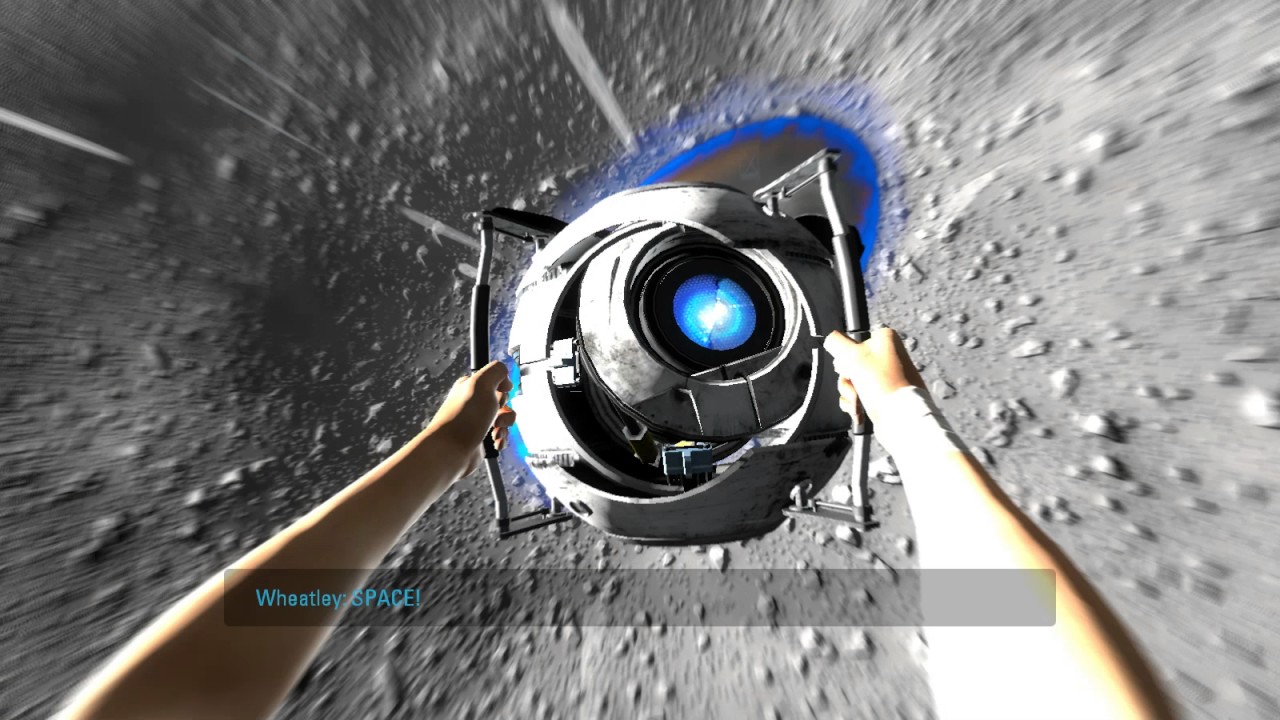
Video shortcode (basic and autoplay examples):
YouTube / Vimeo / Mastodon shortcode links:
(Note: to avoid noisy console output from third-party embeds in this showcase, these are shown as links.)
CRT shortcode:
HTML Extension Capabilities
Click to expand a collapsible panel
You can put any content here, including lists, images, or code snippets.
- Collapsible content A
- Collapsible content B
Common inline HTML tags also work directly:
- ASCII
- Ctrl + K
- highlighted key text
- this is a spoiler text
- this is a solid spoiler text
old plannew planthis is an inline quotation
- demo-output.log: all checks passed
- this sentence is underlined
This is a <small> side note text example.
Form and interaction widget examples:
Image + caption composition (figure + figcaption):
Progress bar example (linked with the range input through page script):
Buttons and Quick Navigation
Page-level Front Matter Features
Besides featured = true, this page also demonstrates:
banner = "banner-feature-en.png": post banner and list thumbnail.accent_color/accent_color_dark: page-level accent override.styles = ["css/feature-demo-blog.css"]andscripts = ["js/feature-demo-blog.js"]: page-scoped styles and scripts.emoji_favicon = "🧪": emoji favicon for the browser tab.
This section is a compact checklist for validating page-level config rendering.
Backlinks Demo
I have added a link to this post from the about page.
If a Backlinks item appears in the quick-action buttons, the internal backlink index is working as expected.
If all modules above render correctly, it means the blog’s rich-text capability now covers most common writing scenarios. Footnotes are great for extra explanation without interrupting the main reading flow. ↩
Comments